From Script
to Screen
Write a story in plain English. Cast characters who stay true across every frame. Watch your film come alive — scene by scene, shot by shot.
Write Your Screenplay
Write scenes and shots in plain English. Our .cine format reads like a story, not a spreadsheet — describe the setting, the characters, the camera angle. No film school required. If you can tell a story, you can write a screenplay.
TITLE: The Lighthouse
CHARACTERS:
  ELARA:
    appearance: "curly dark hair, green eyes"

ACT 1:
  SCENE 1:
    location: "Clifftop lighthouse, dusk"
    SHOT 1:
      CAMERA: "Wide establishing"
      ACTION: "Elara climbs the spiral stairs"
      DURATION: 4s
Cast Your Characters
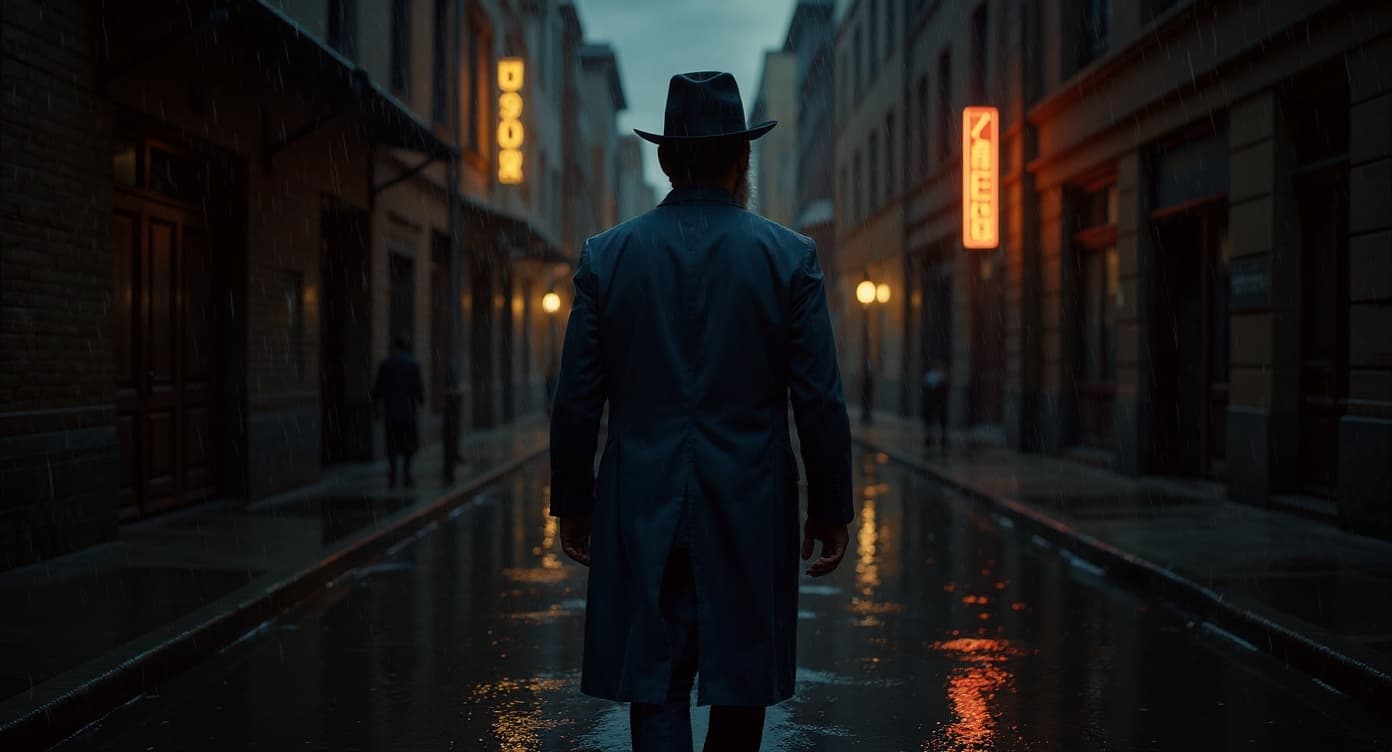
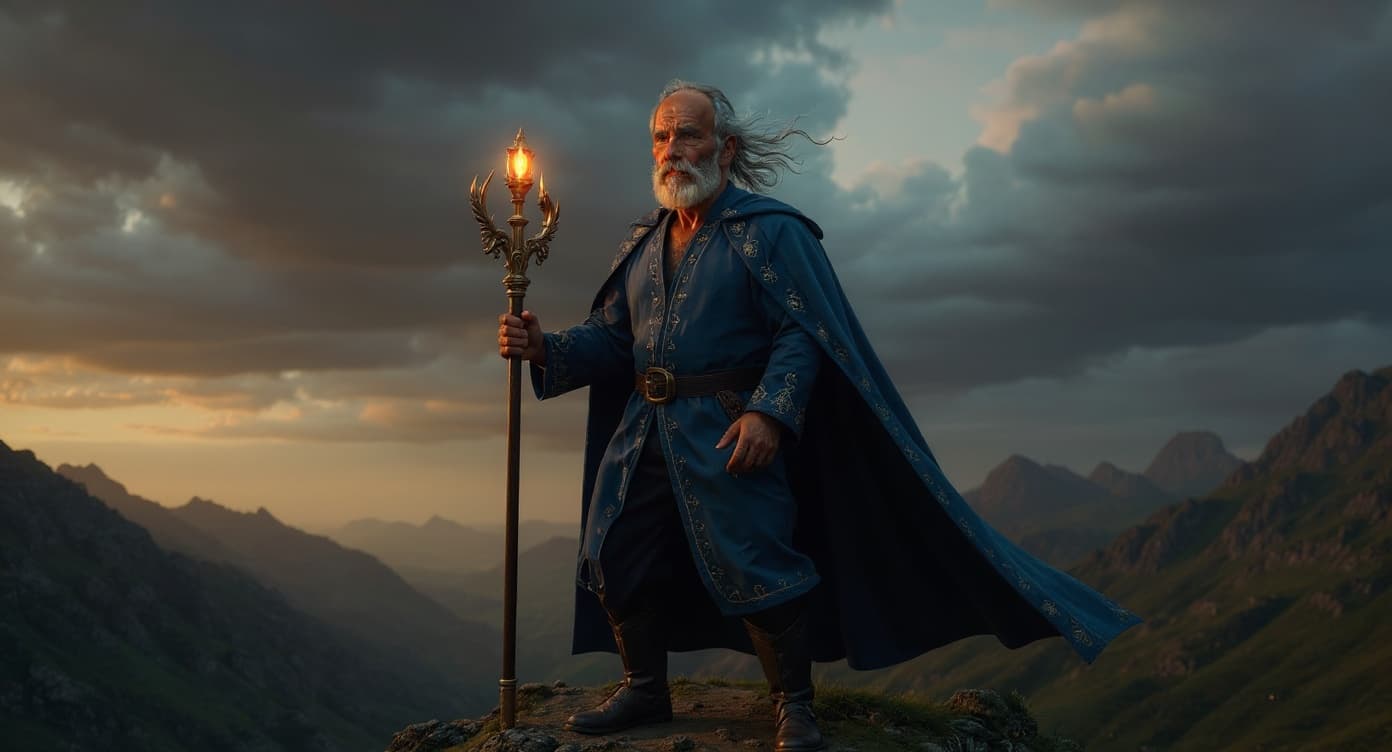
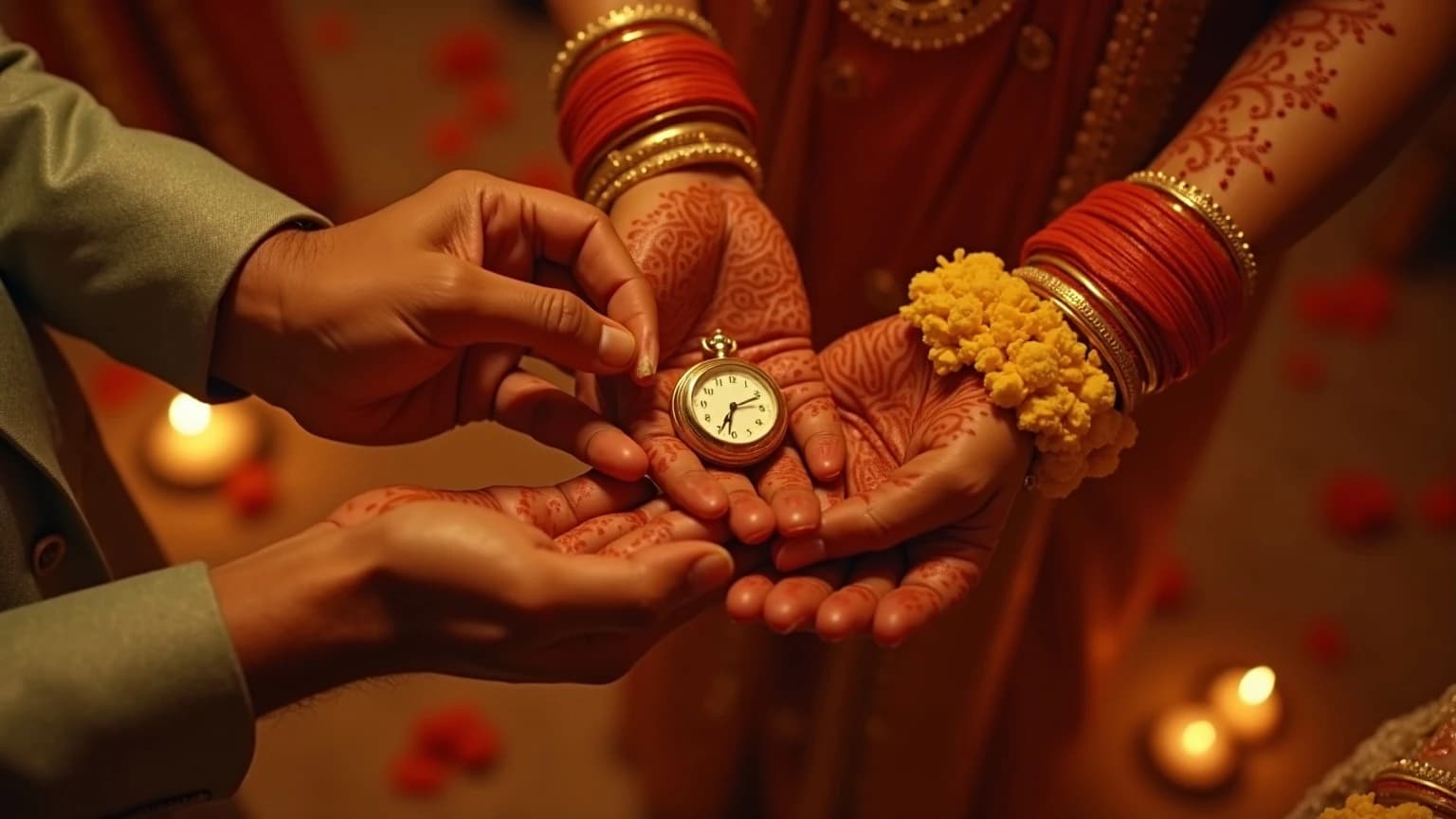
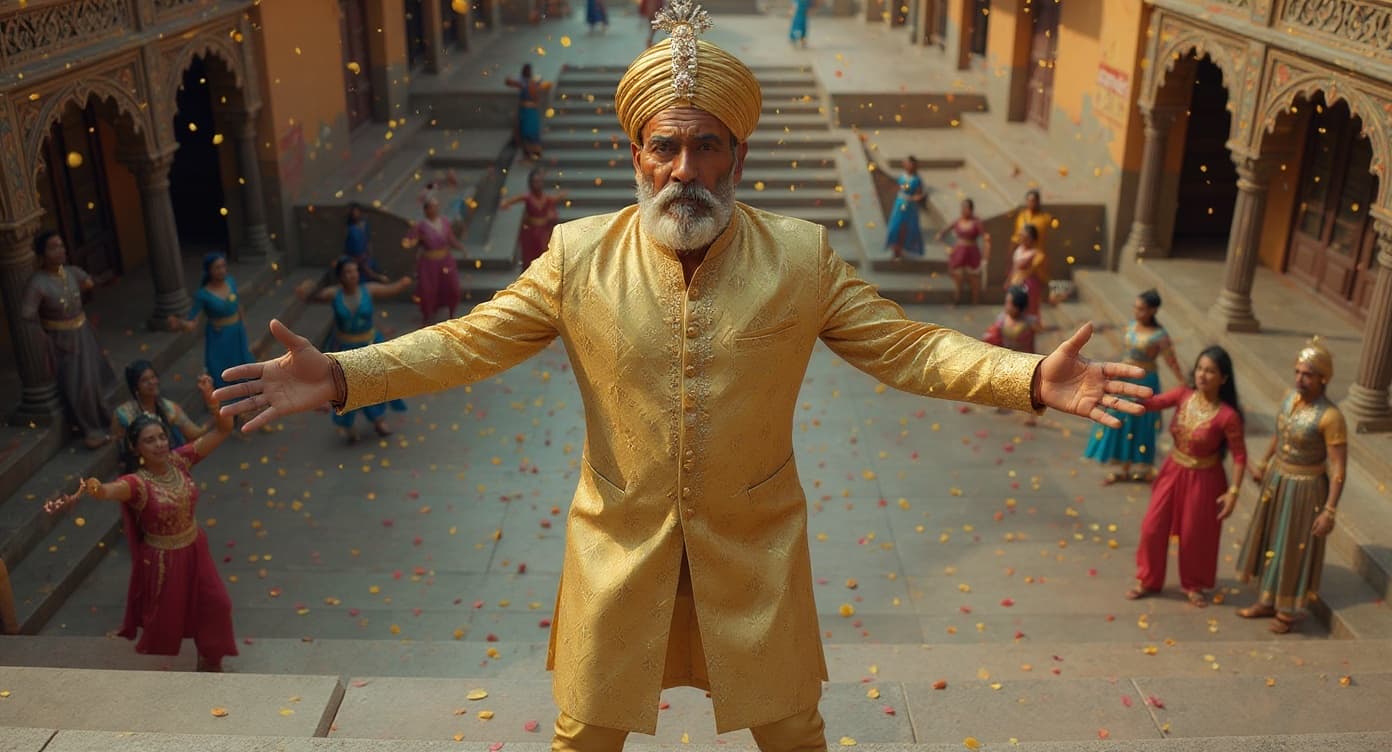
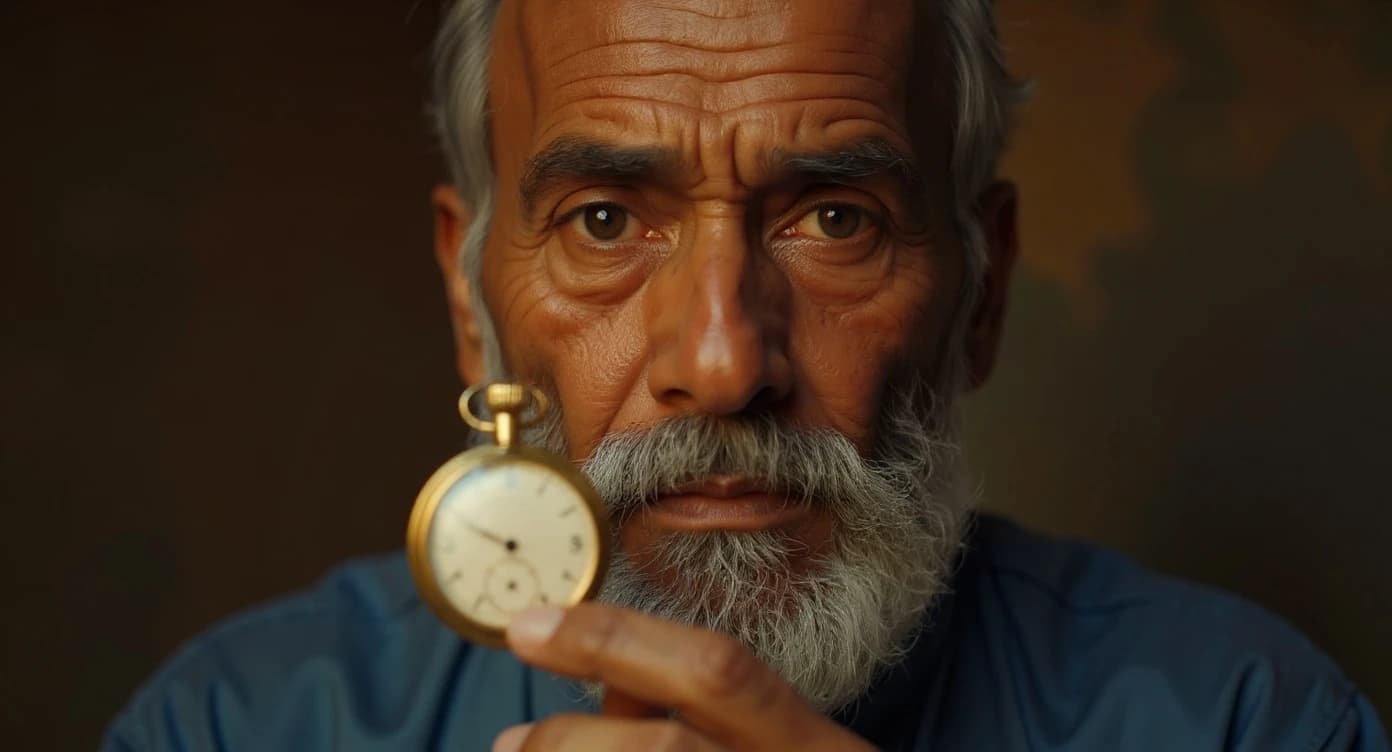
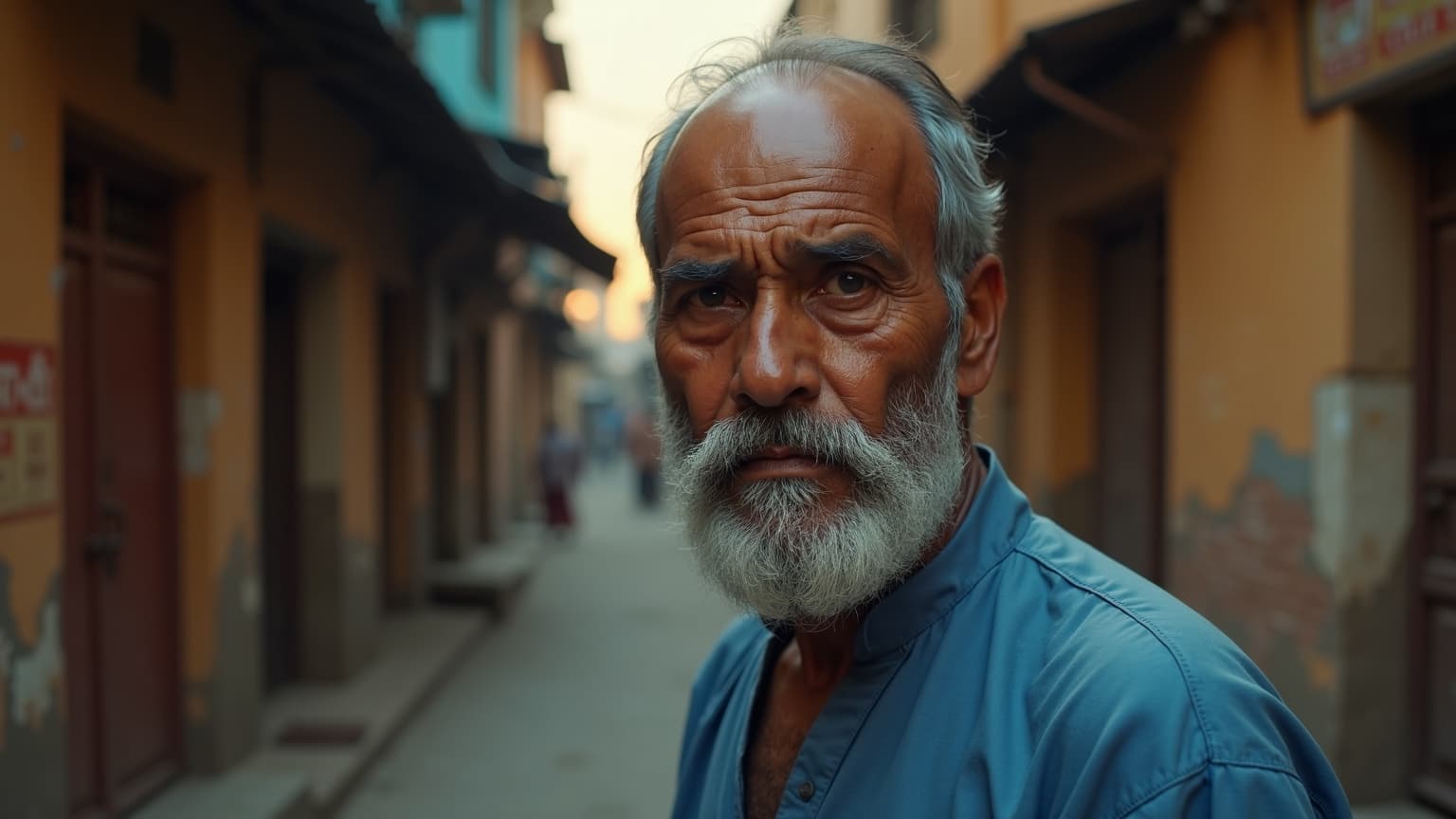
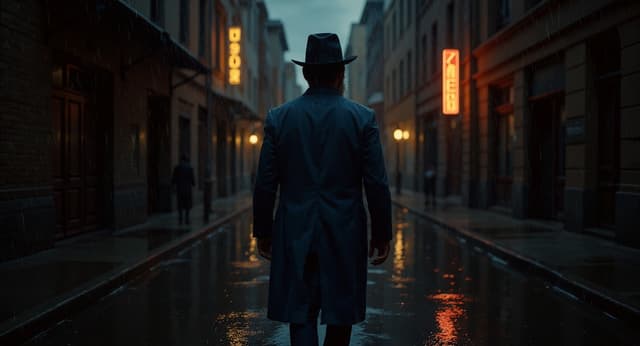
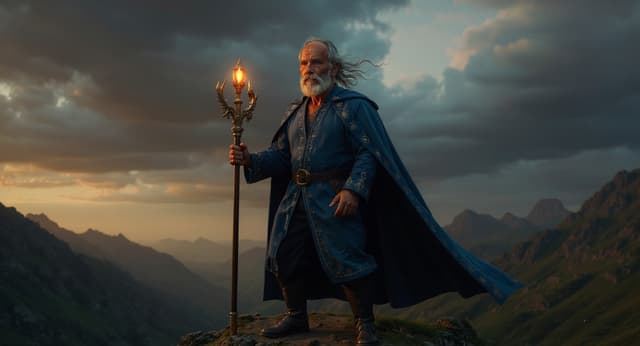
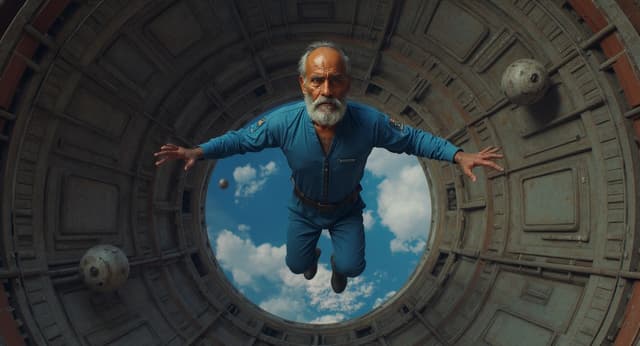
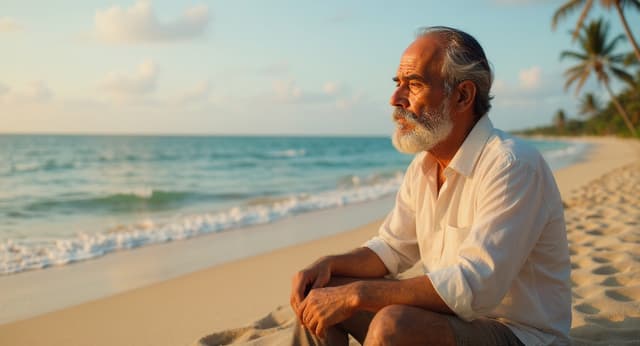
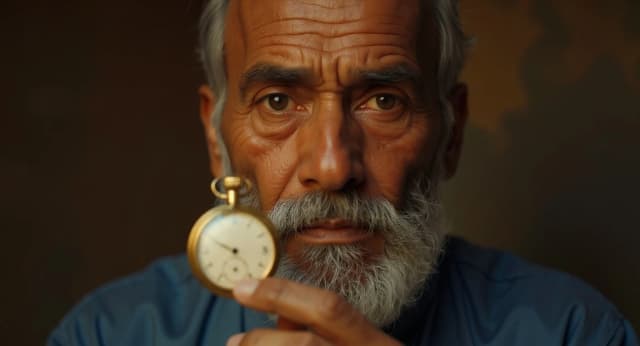
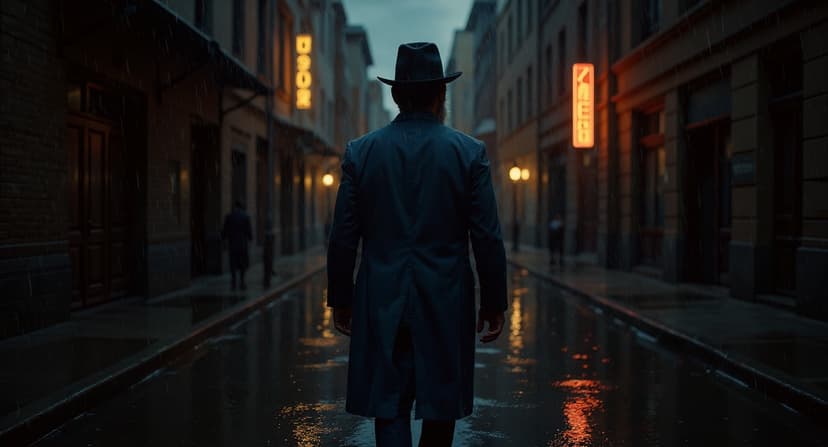
Describe a face, an age, a wardrobe, a voice — once. From that moment on, your character stays true across every frame. Noir alley, sunlit beach, alien planet — same person, every world.
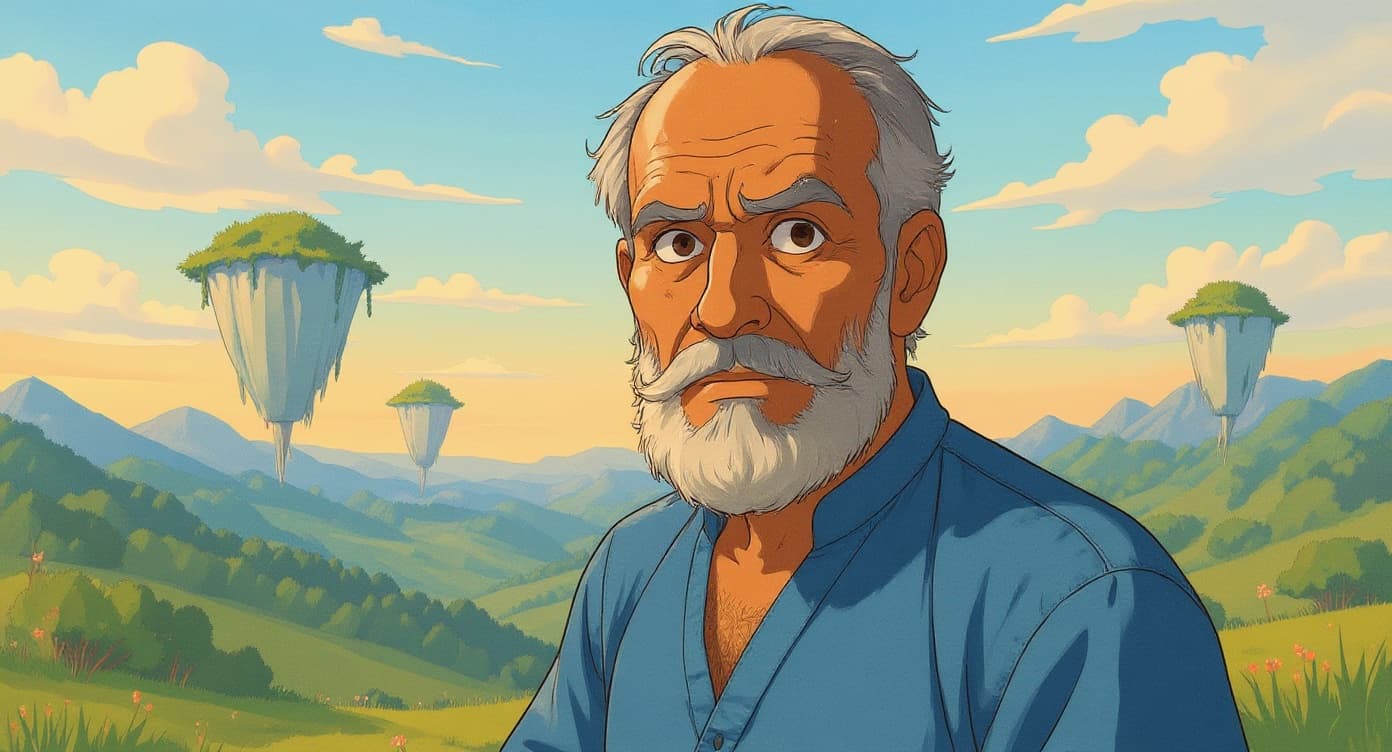
Same character — 4 genres — 1 face
See Before You Shoot
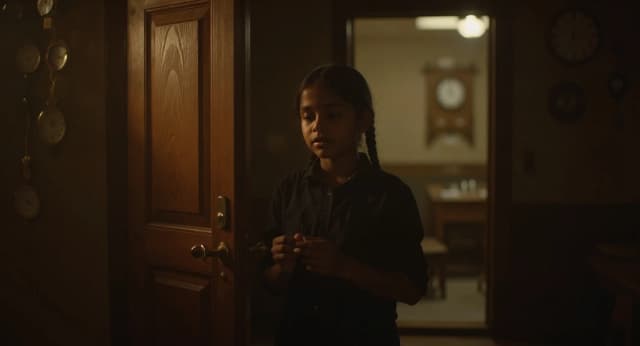
Before a single second of video is rendered, you see every shot as a still frame. Approve what works. Regenerate what doesn't. You are the director — nothing moves forward without your eye on it.
Direct the Final Cut
Go shot by shot. Approve, reject, or ask for another take with notes — the way a director works on set. Nothing reaches the final cut without your sign-off.
Wide establishing — lighthouse at dusk
Elara climbing the spiral stairs
Close-up — wrong lighting angle
Elara lights the lantern
Watch It Come Alive
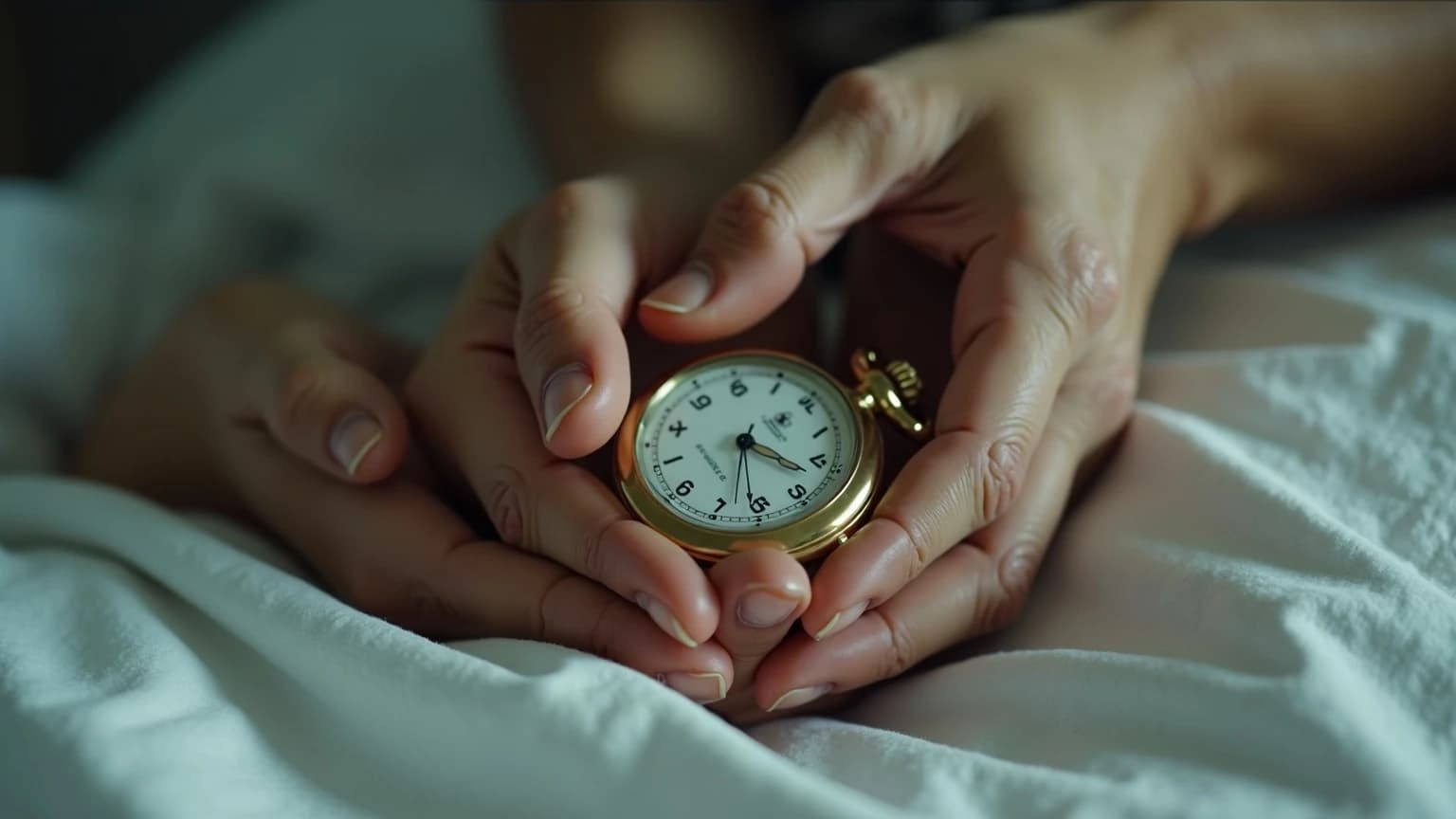
Choose your quality tier and press render. Watch each shot build in real-time — image, motion, voice, music, final composite. You always see what it costs before you commit.
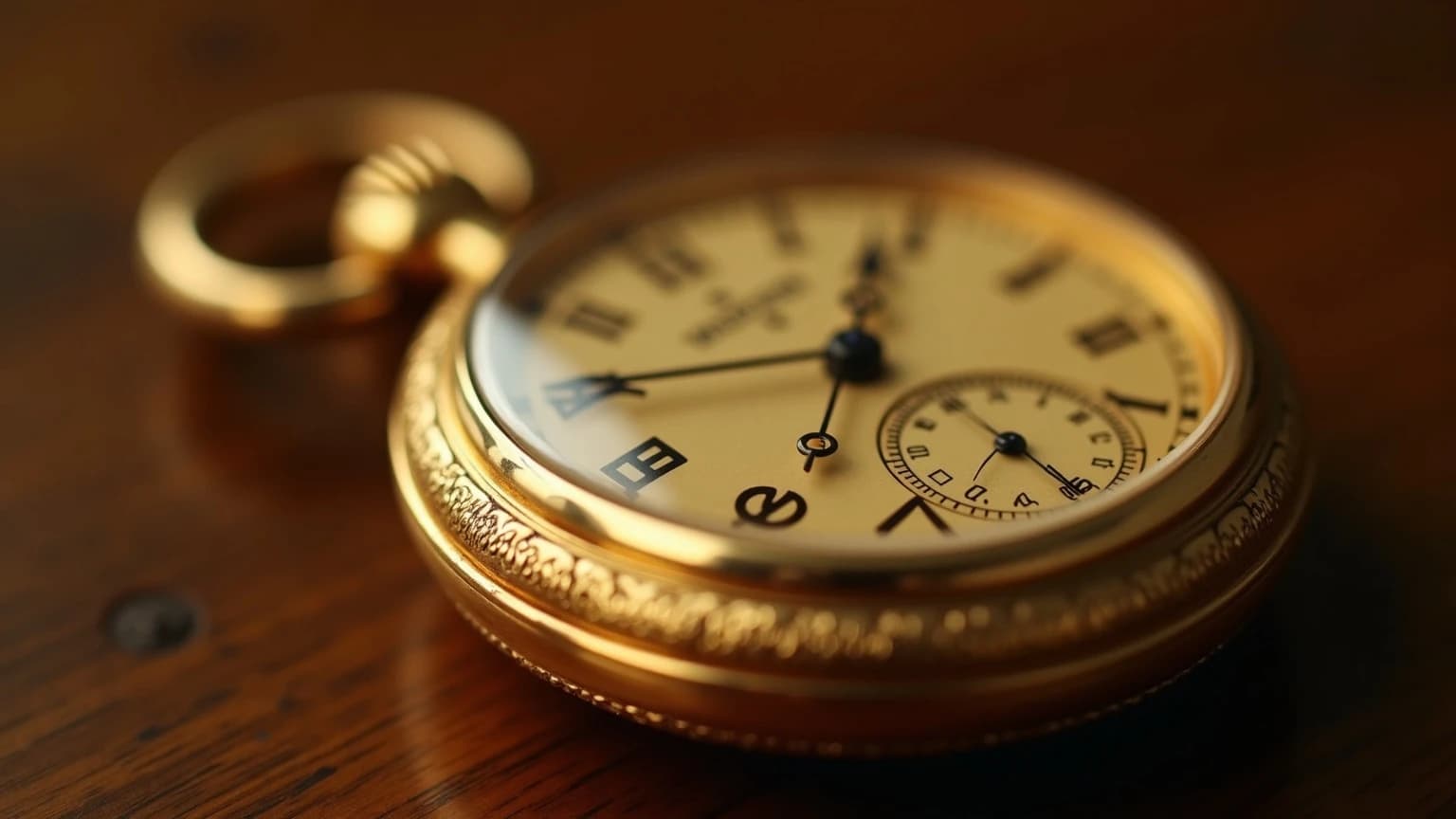
Release Your Film
Download everything — the finished film, the audio mix, the storyboard, the subtitles. Share it with a single link. Your audience doesn't need an account. They just press play.
Your deliverables
Every frame generated by AI
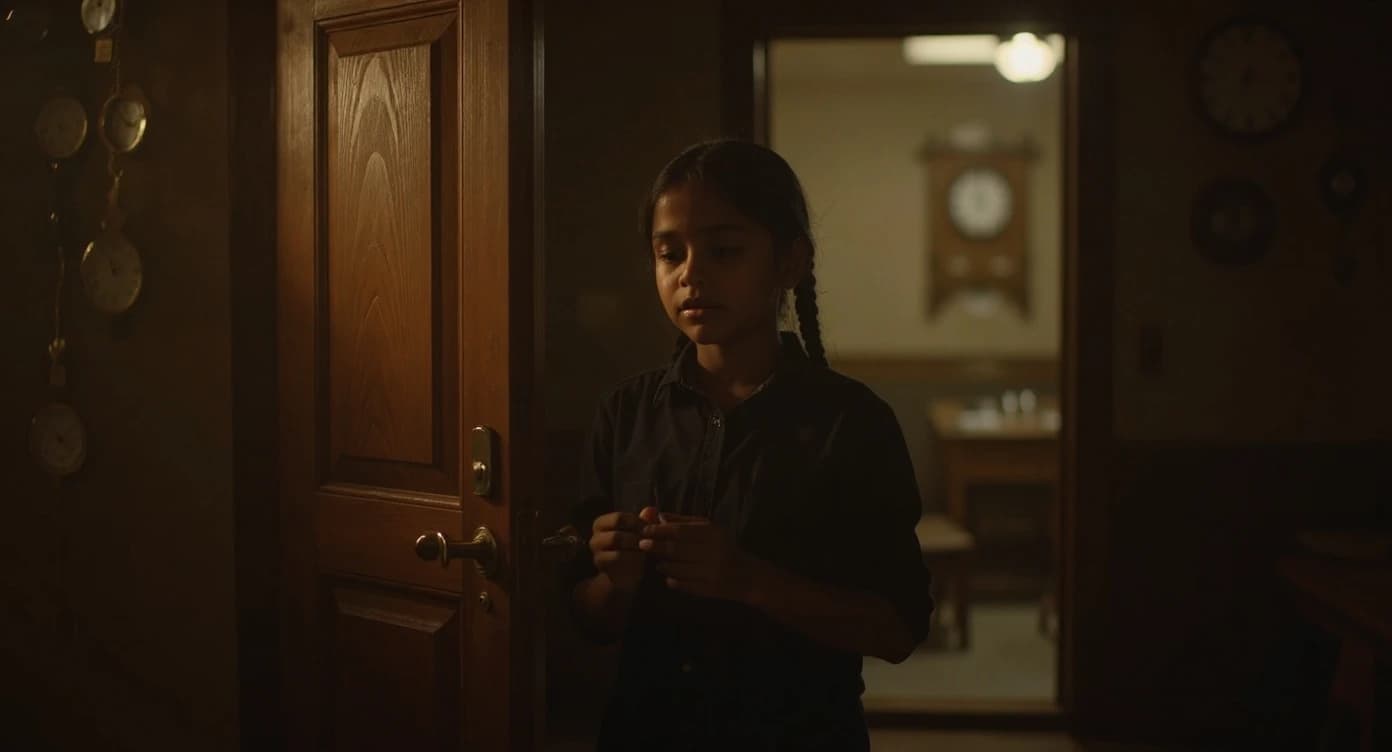
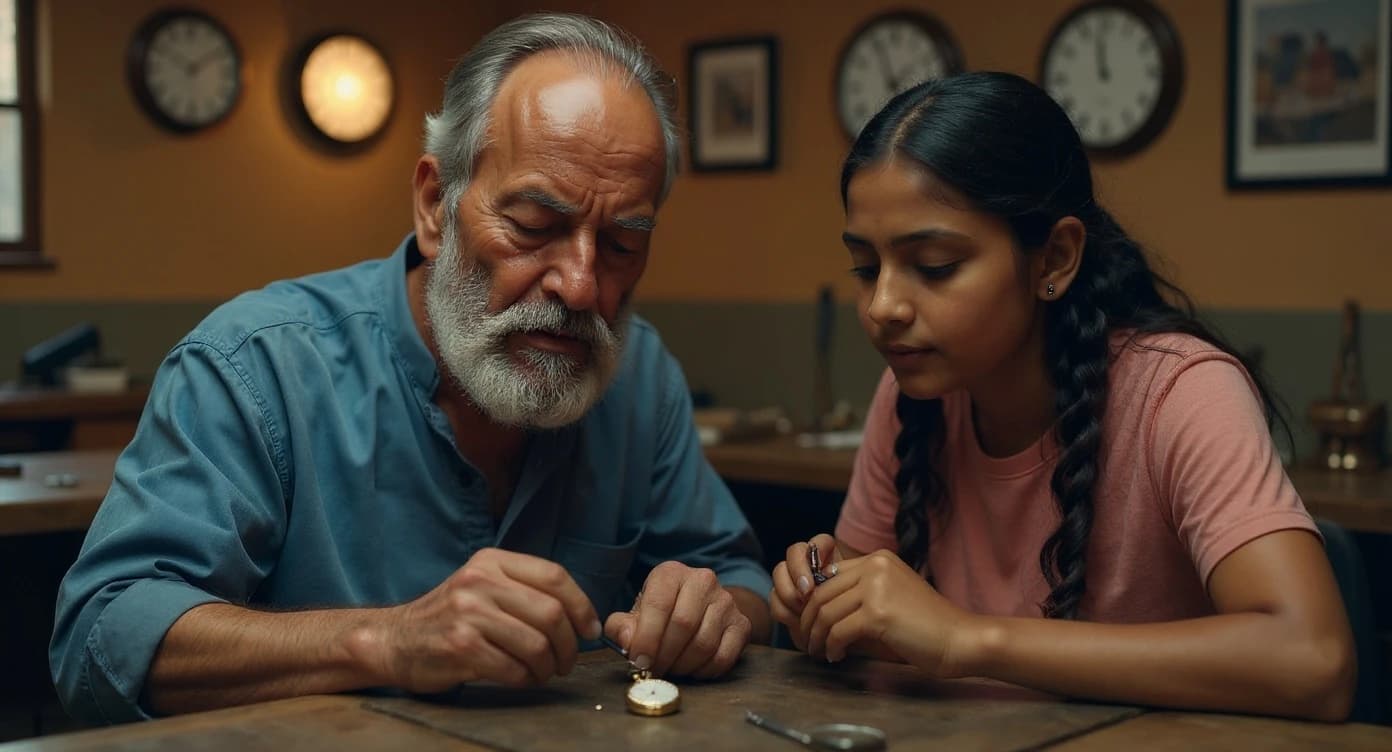
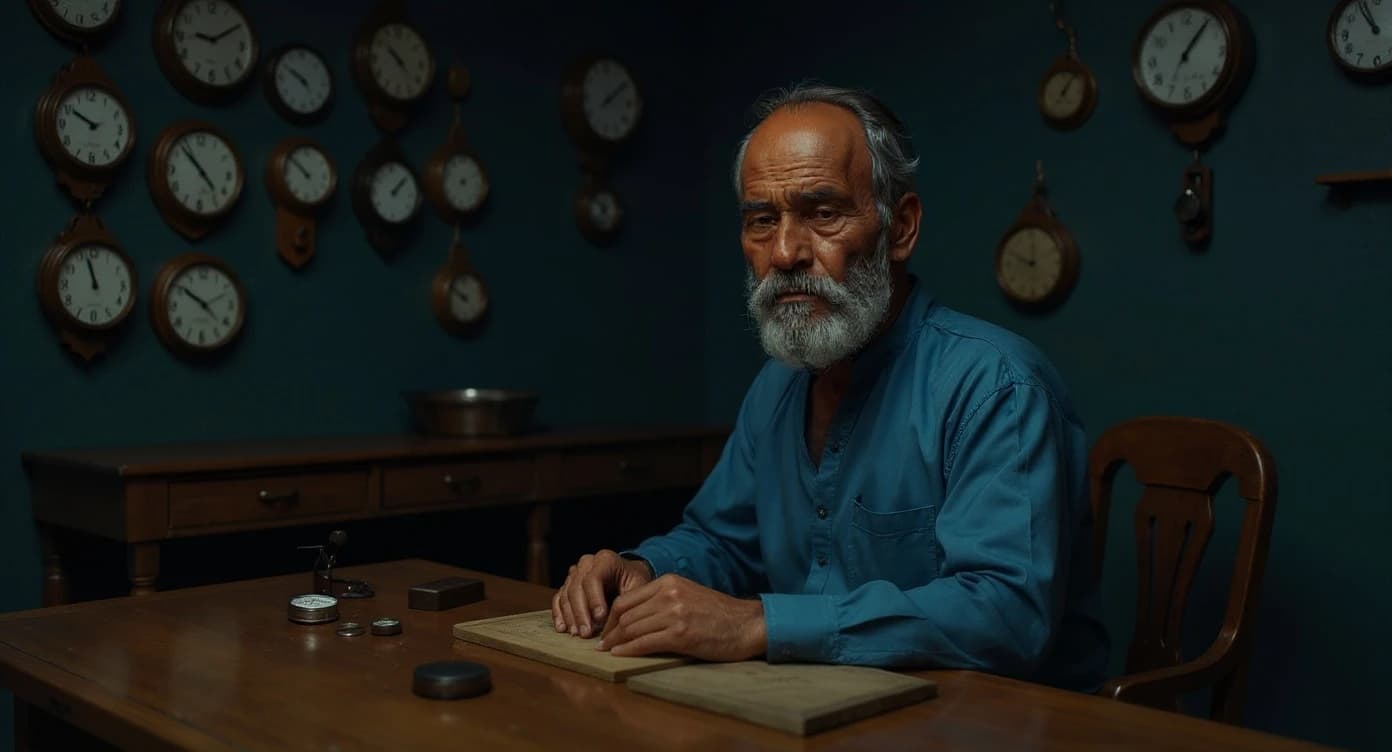
The .cine Format
Write the screenplay on the left. See what AI generates on the right.
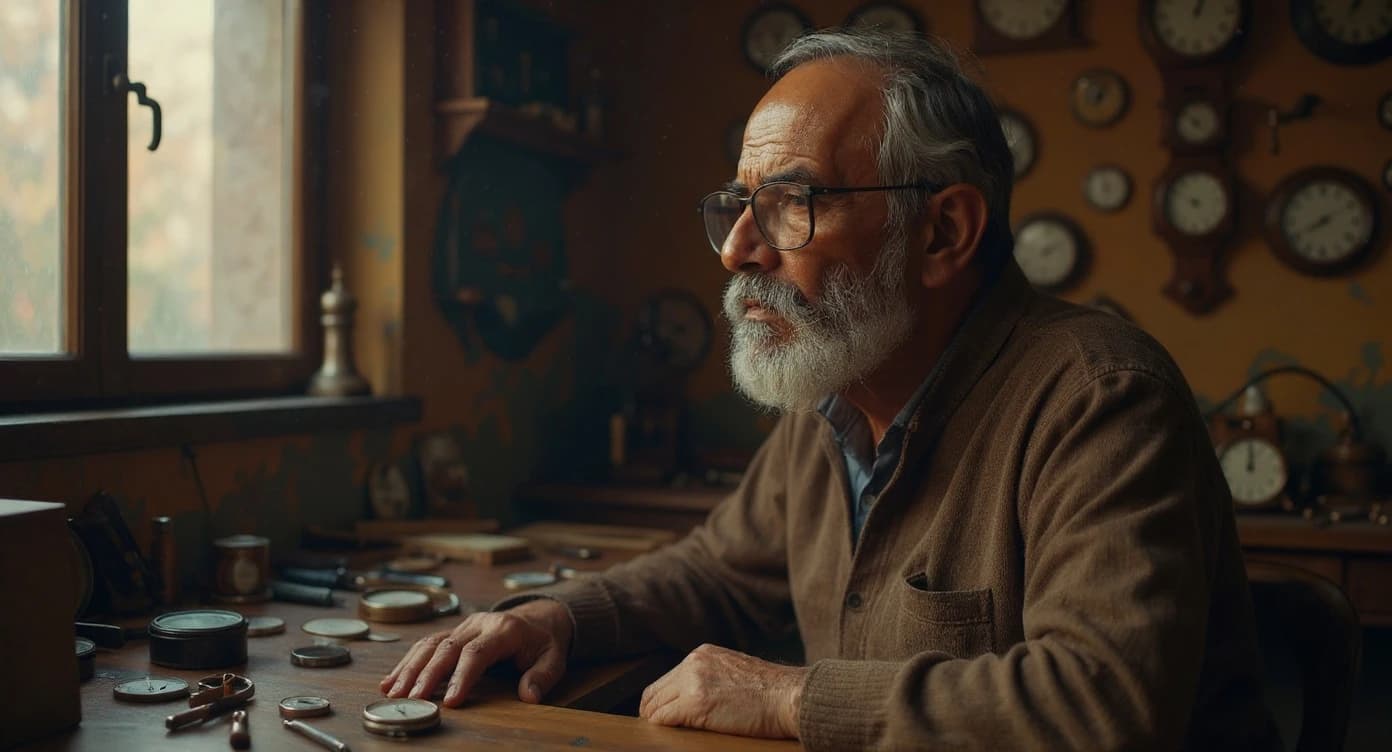
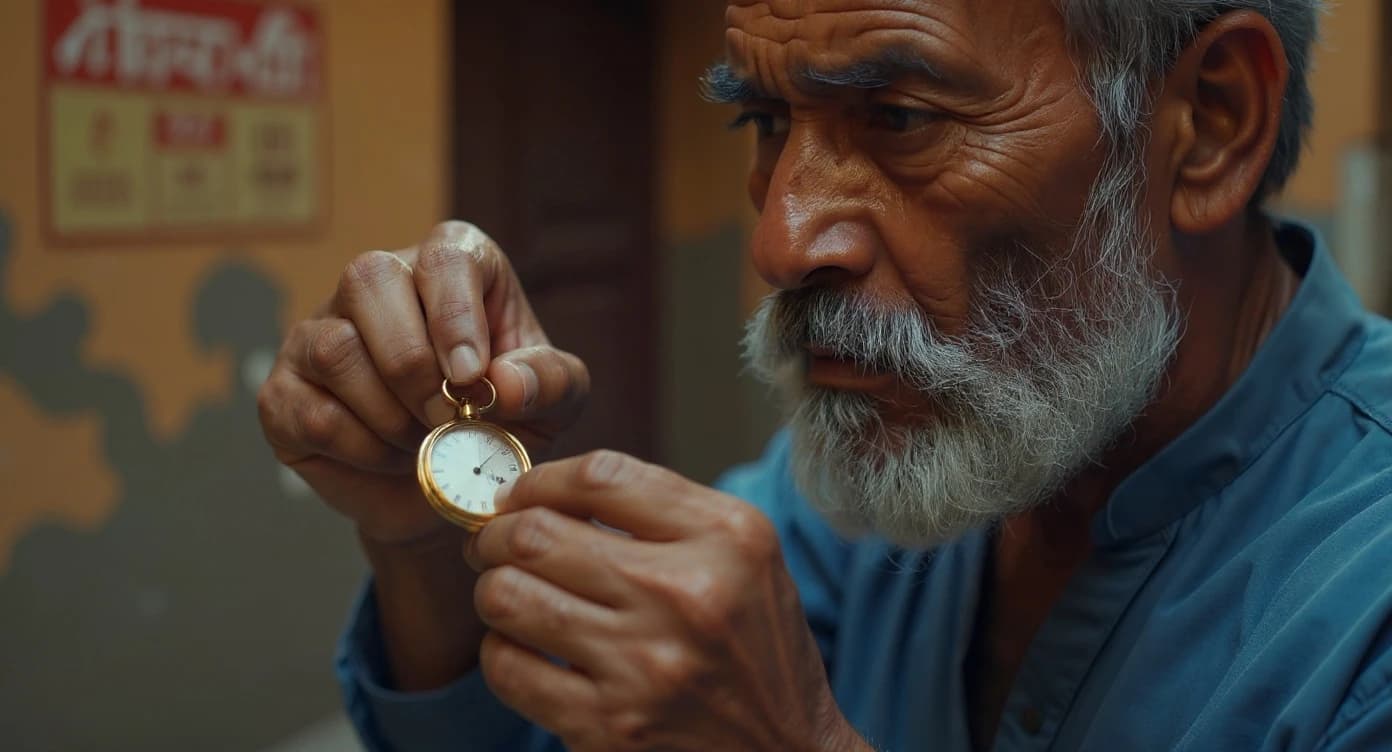
TITLE: "The Watchmaker"
AUTHOR: "MovieMaker"

ACT 1:
  SCENE 1:
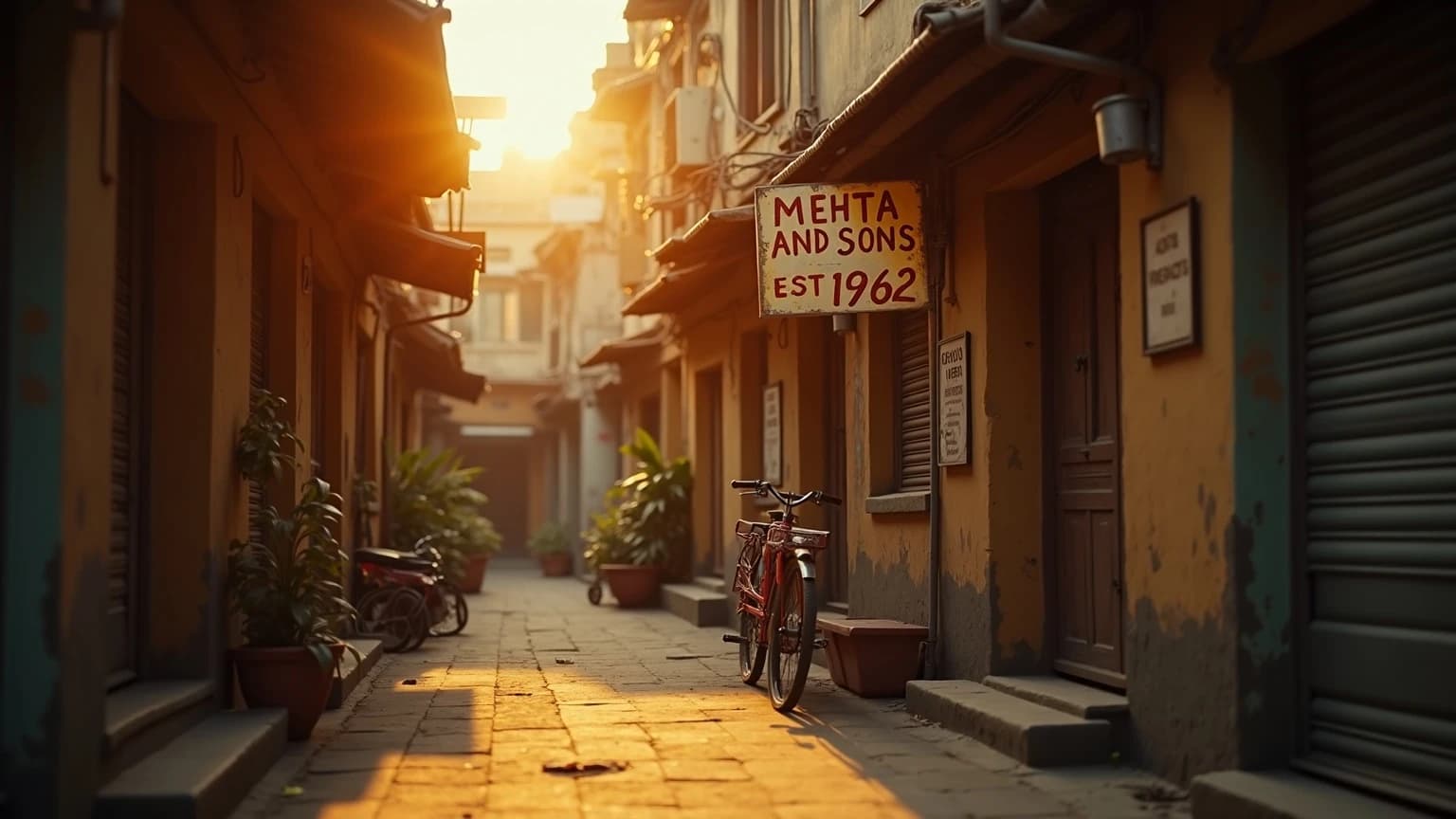
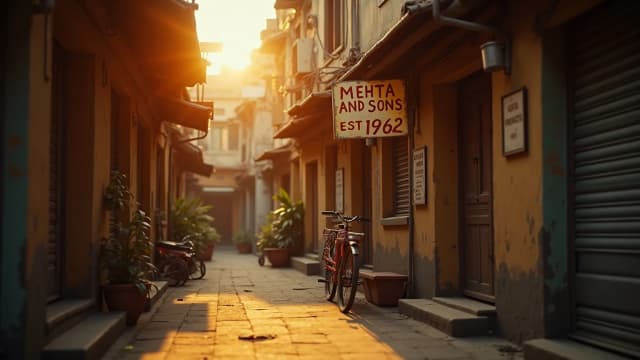
    location: "Narrow Indian alley at
      golden hour, old signboard reading
      Mehta and Sons, bicycle parked
      against weathered yellow walls"
    time: "late afternoon"
    weather: "warm, dusty golden light"

  SCENE 2:
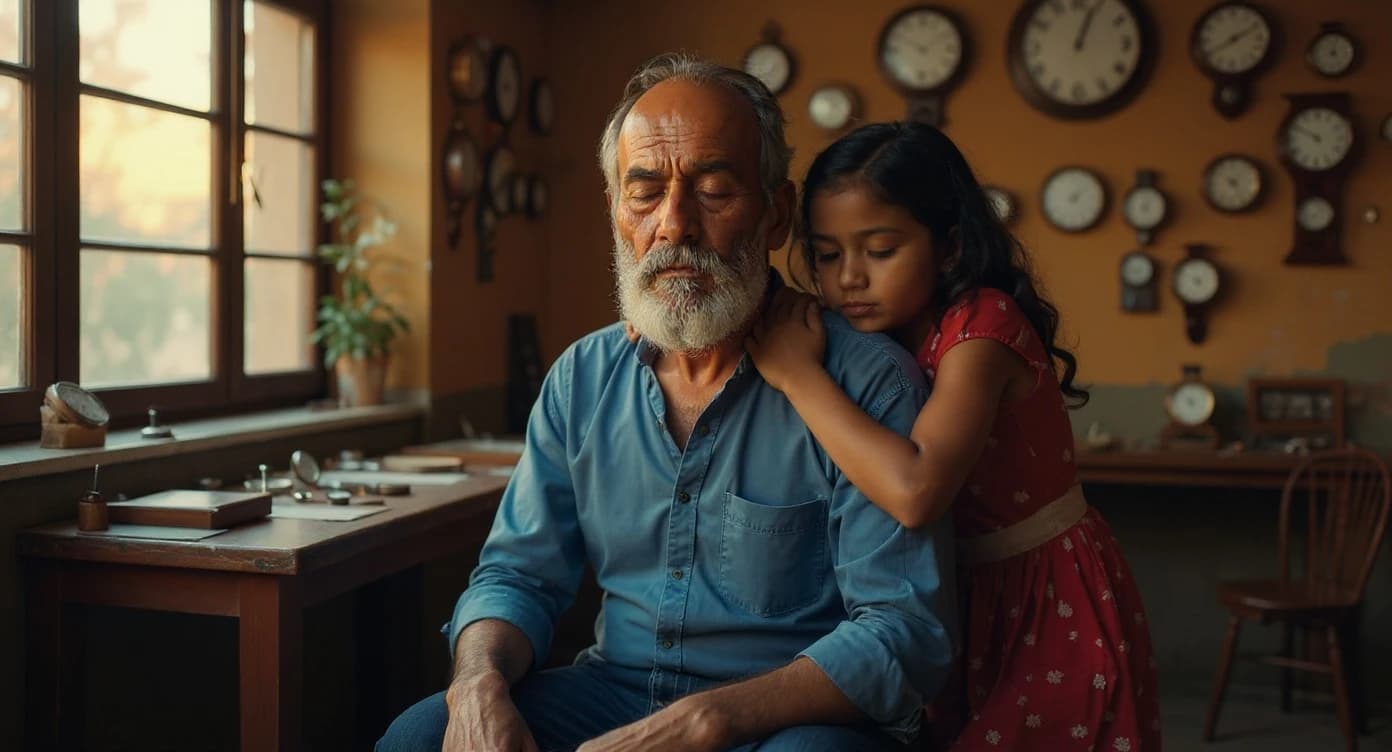
    location: "Inside the workshop,
      clocks covering every wall"
Each location description becomes a generated scene. The more detail you write, the more accurate the image.
AI generated this scene from the location description
Built-In Capabilities
Every tool a filmmaker needs — casting, continuity, style, and scale — built into one production pipeline.
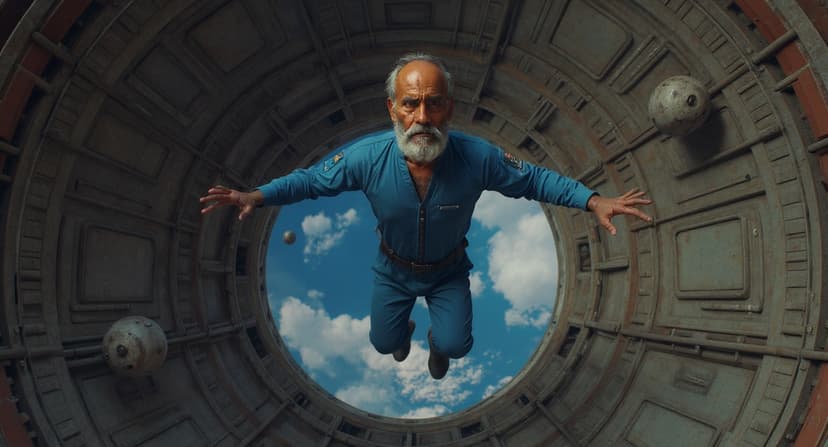
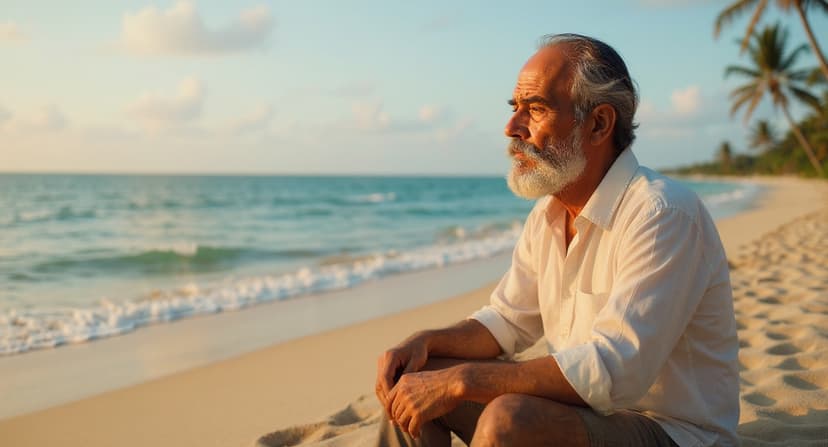
Character Consistency
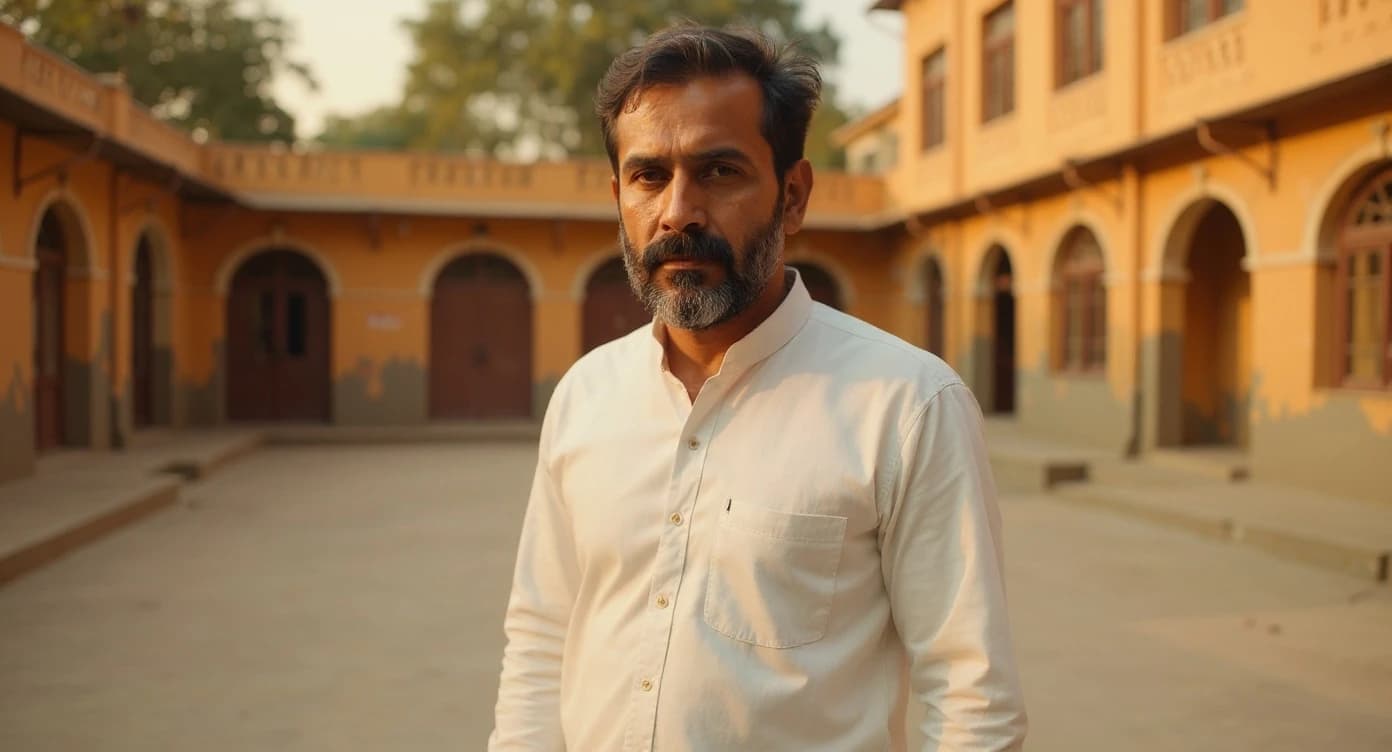
Same face across every frame. Define once, use everywhere — across genres, styles, and decades.
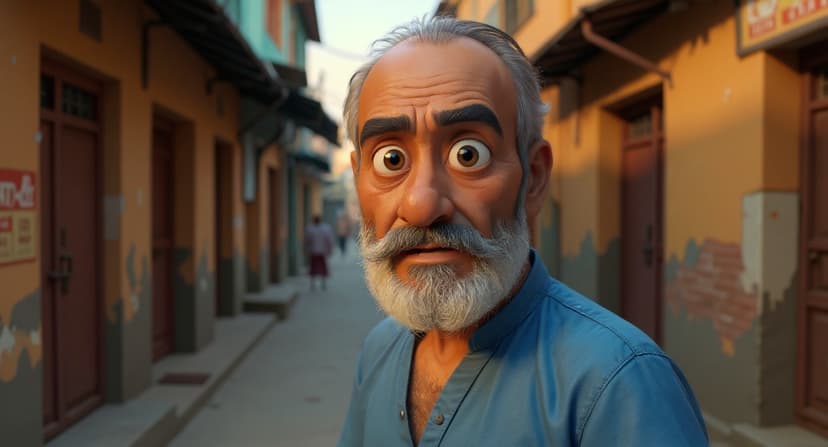
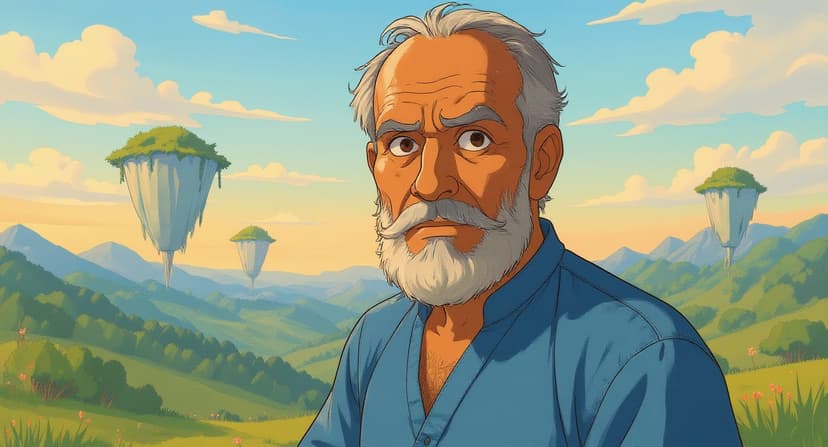
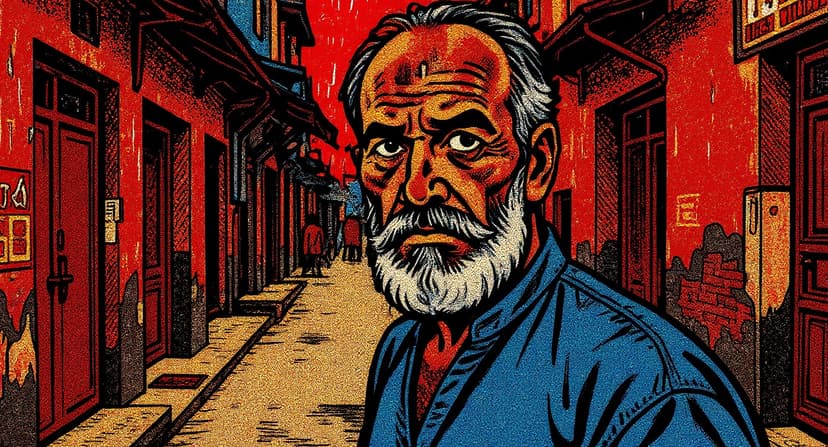
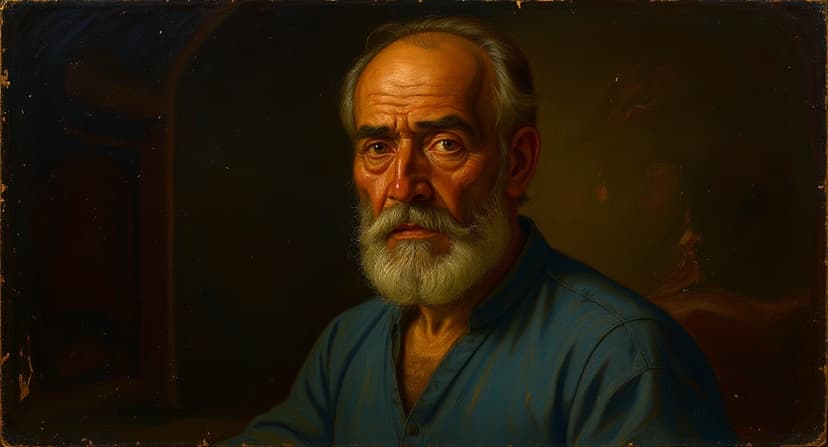
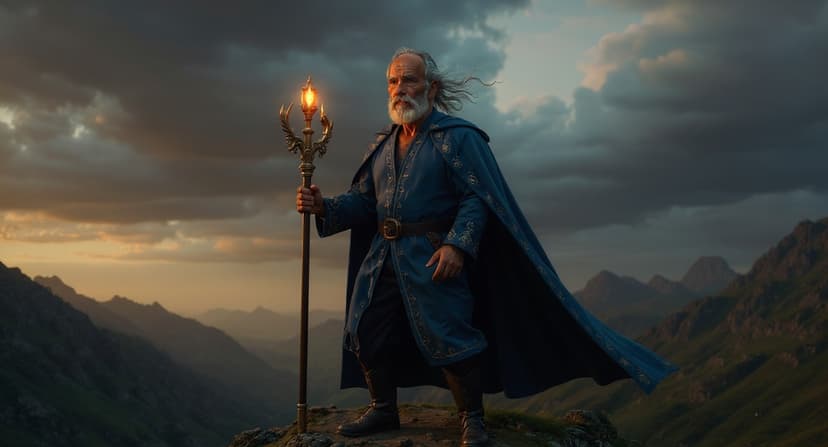
Style Transfer
Photorealistic, Pixar 3D, Ghibli anime, graphic novel, oil painting — transform your entire film's look.
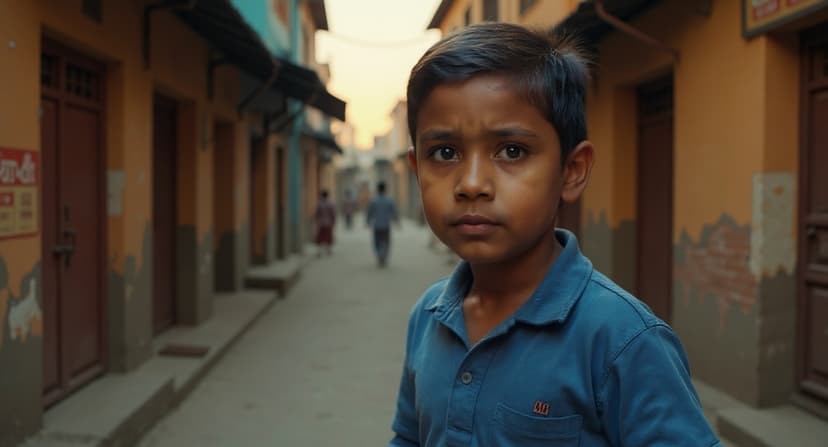
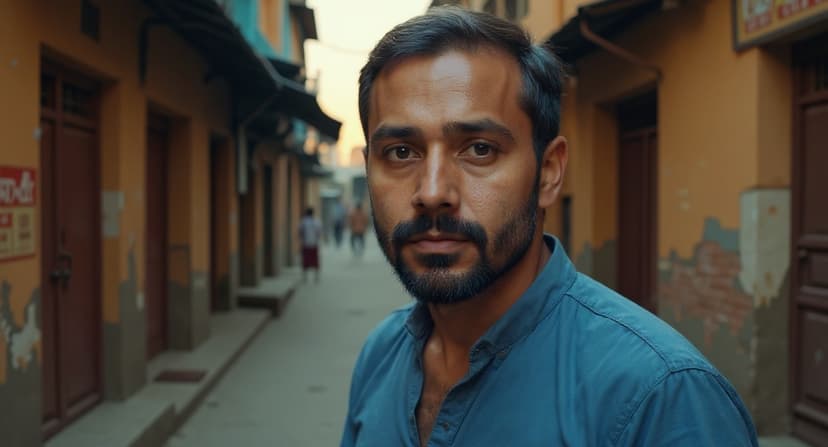
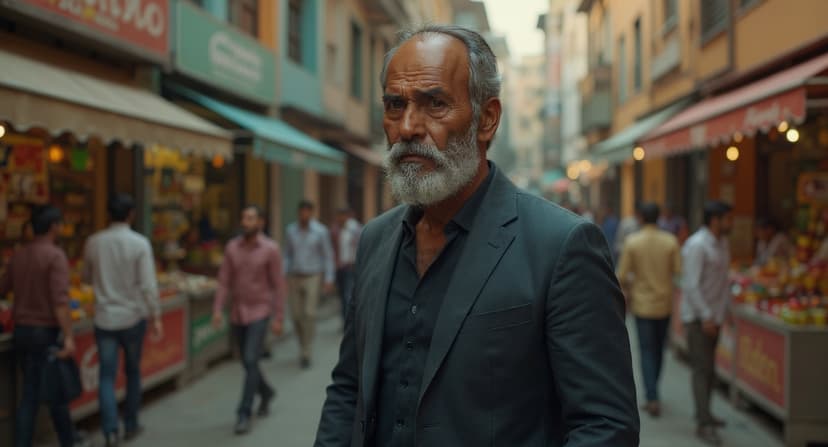
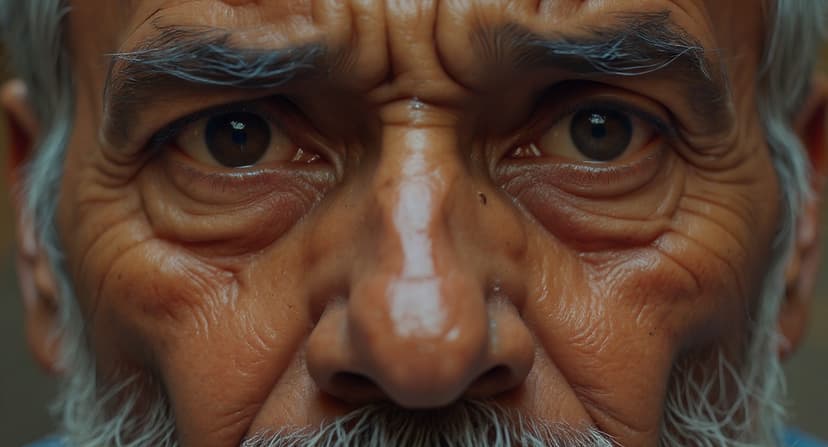
Age Progression
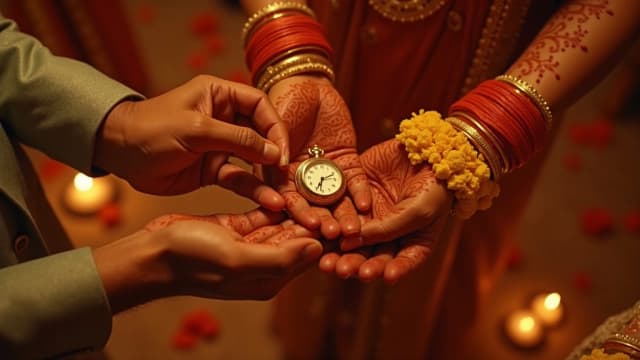
Age characters forward or backward. Same bone structure, same soul — child to elder in one film.
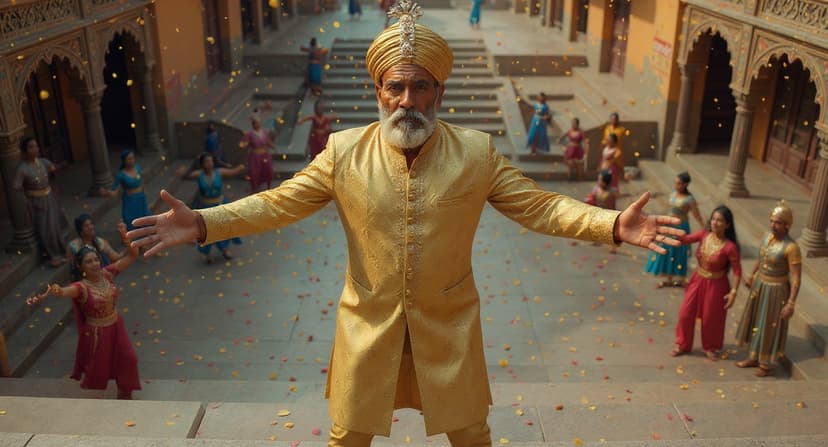
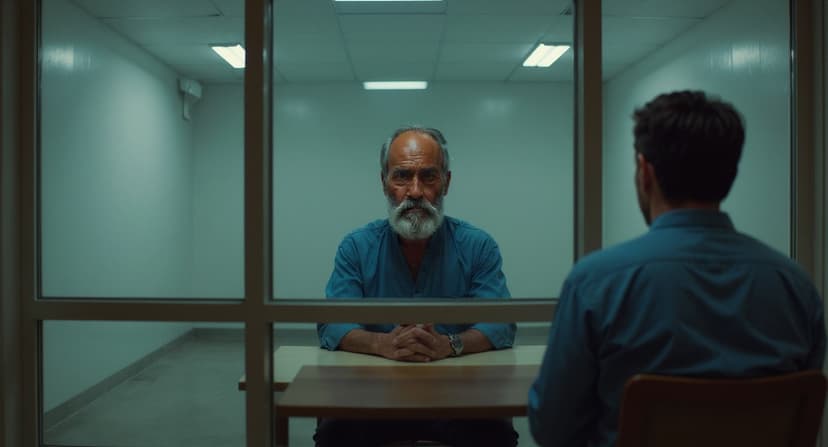
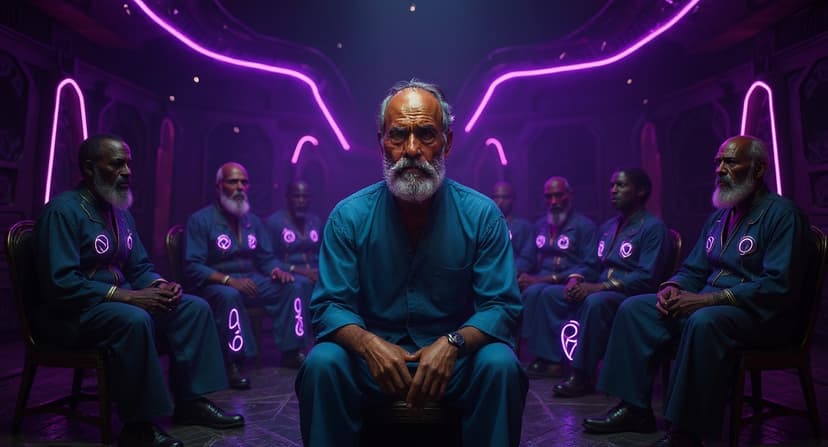
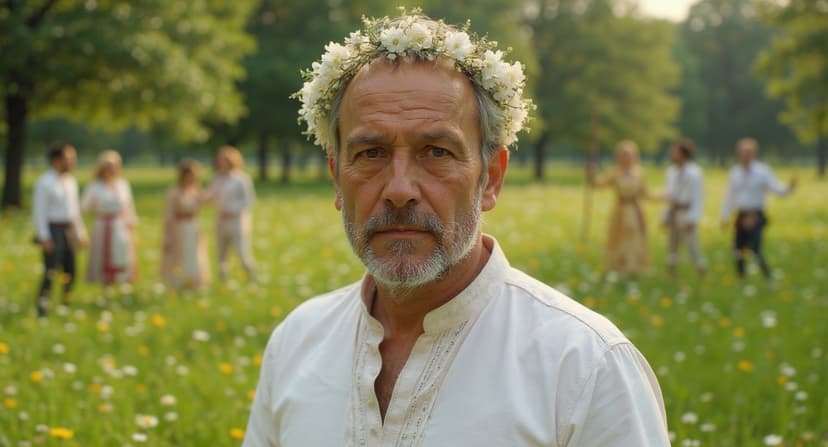
Cultural Adaptation
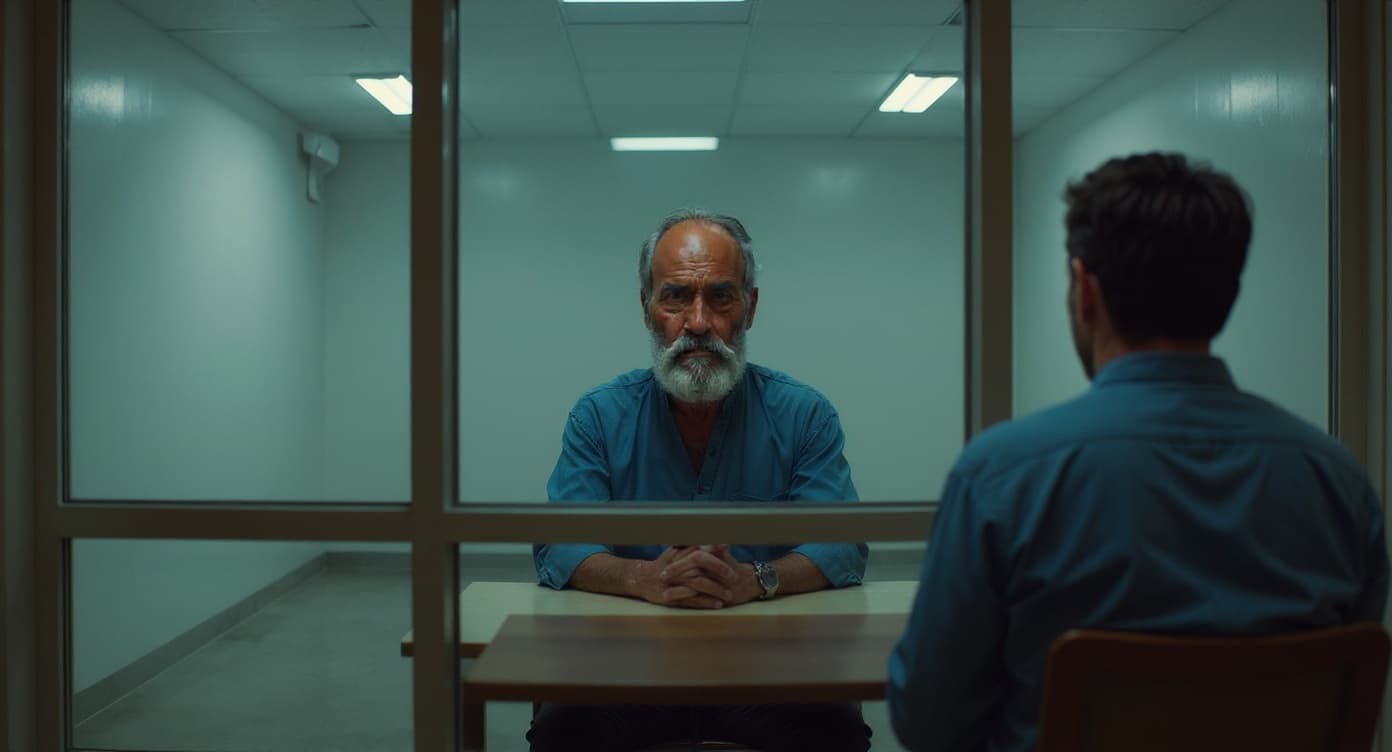
Bollywood, Korean thriller, Afrofuturist, Nordic folk — same story, reimagined across cinematic traditions.
AI Voices & Dialogue
Natural character voices with emotion and nuance. Lip-synced to match the generated video perfectly.
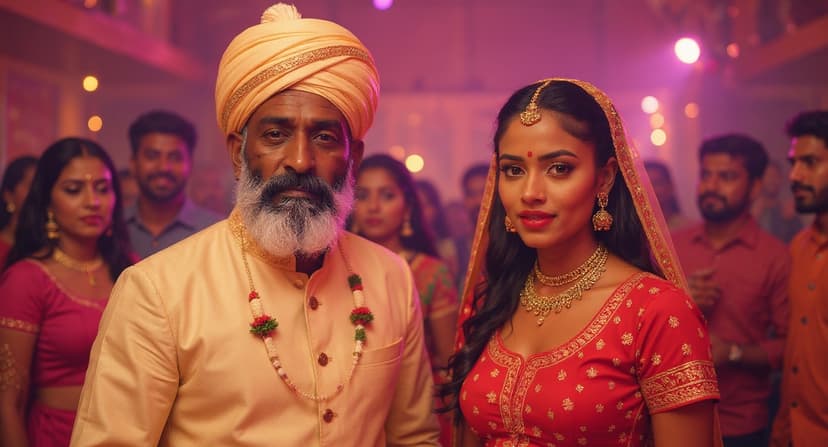
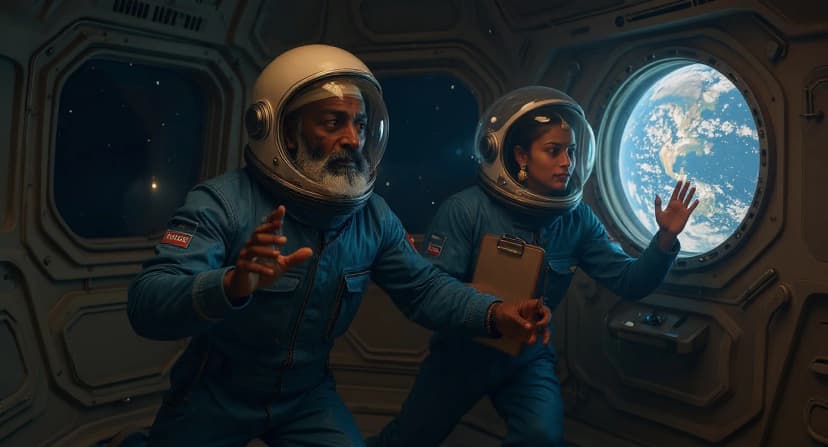
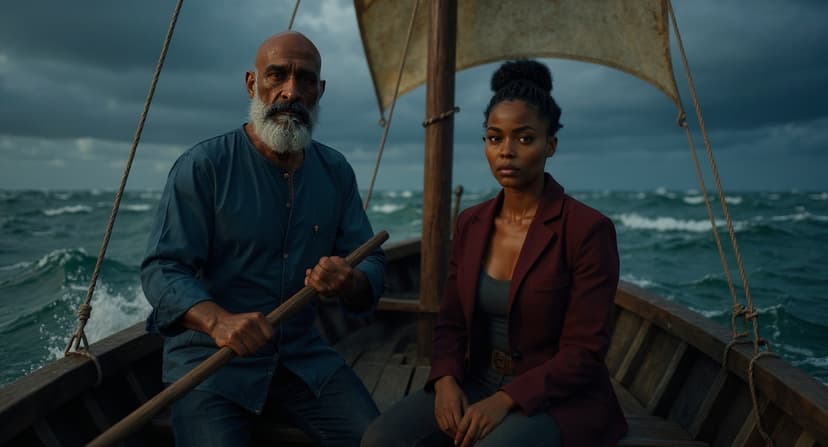
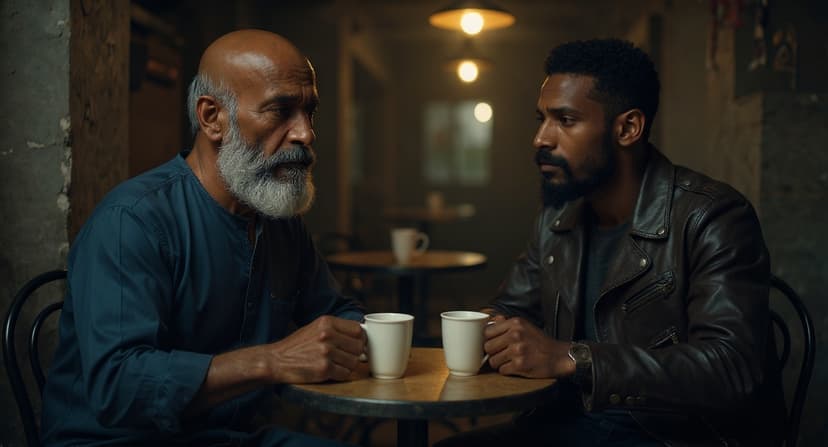
Multi-Character Lock
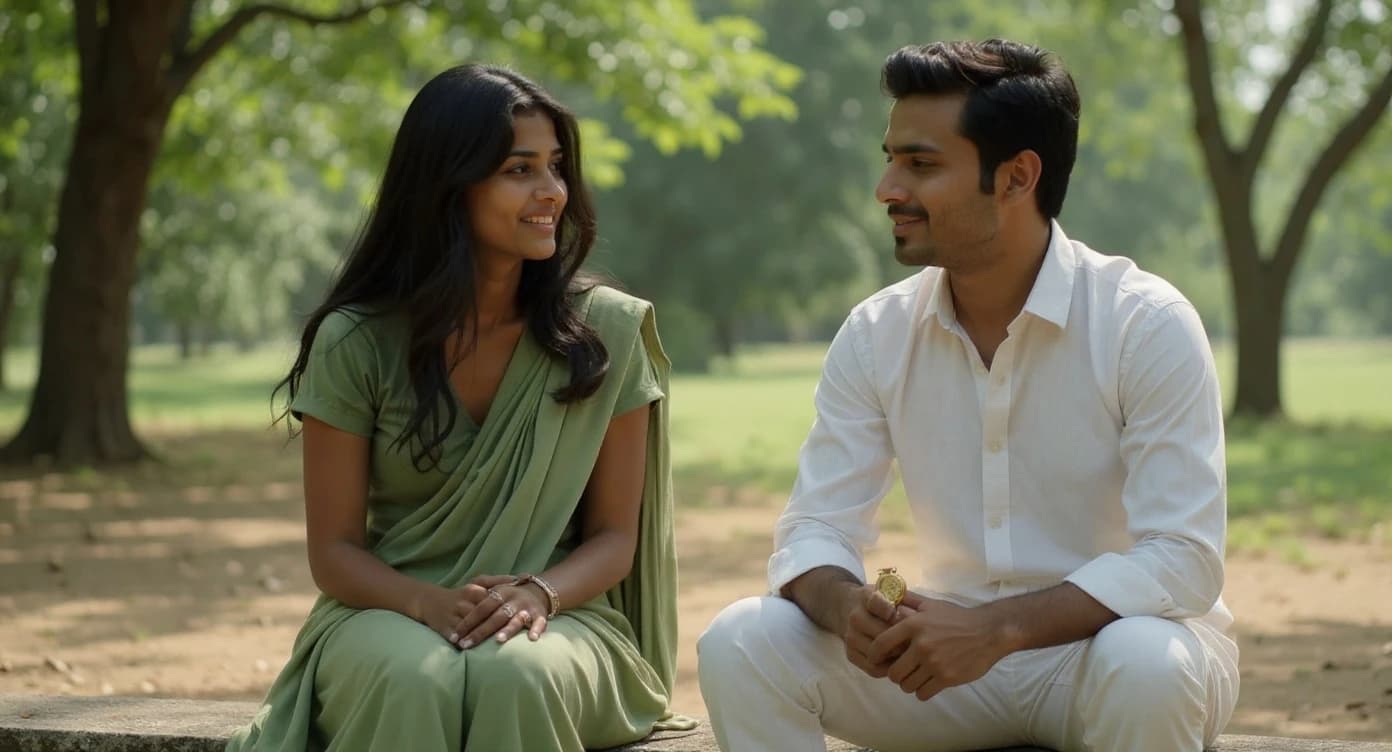
Cast two leads. Move them through a dozen scenes. Every face, every detail stays true — your audience will notice if it doesn't.
Quick Start
Create a Studio
Sign up and create your studio — the home for every project, character, and film you make.
Start a New Project
Name your film, choose your look — resolution, frame rate, aspect ratio — and you have an empty canvas.
Write the Screenplay
Use the built-in editor. Define your characters, write your scenes, shape your shots. The editor guides you as you go.
Hit Render
Preview for a quick look, Final for cinema quality. Watch your film build shot by shot — you always know what it costs.
Download & Share
Download your finished film, audio, storyboard, and subtitles. Share with a single link — your audience just presses play.
Your Story Deserves a Screen
The only thing between you and a finished film is a blank page.